Second Layer & community
Discover IconCU: One URL, fresh perspectives.
Open IconCU in your browser and bring a web address. Its web room gives you access to public conversations and Second Layer content shared about that URL.
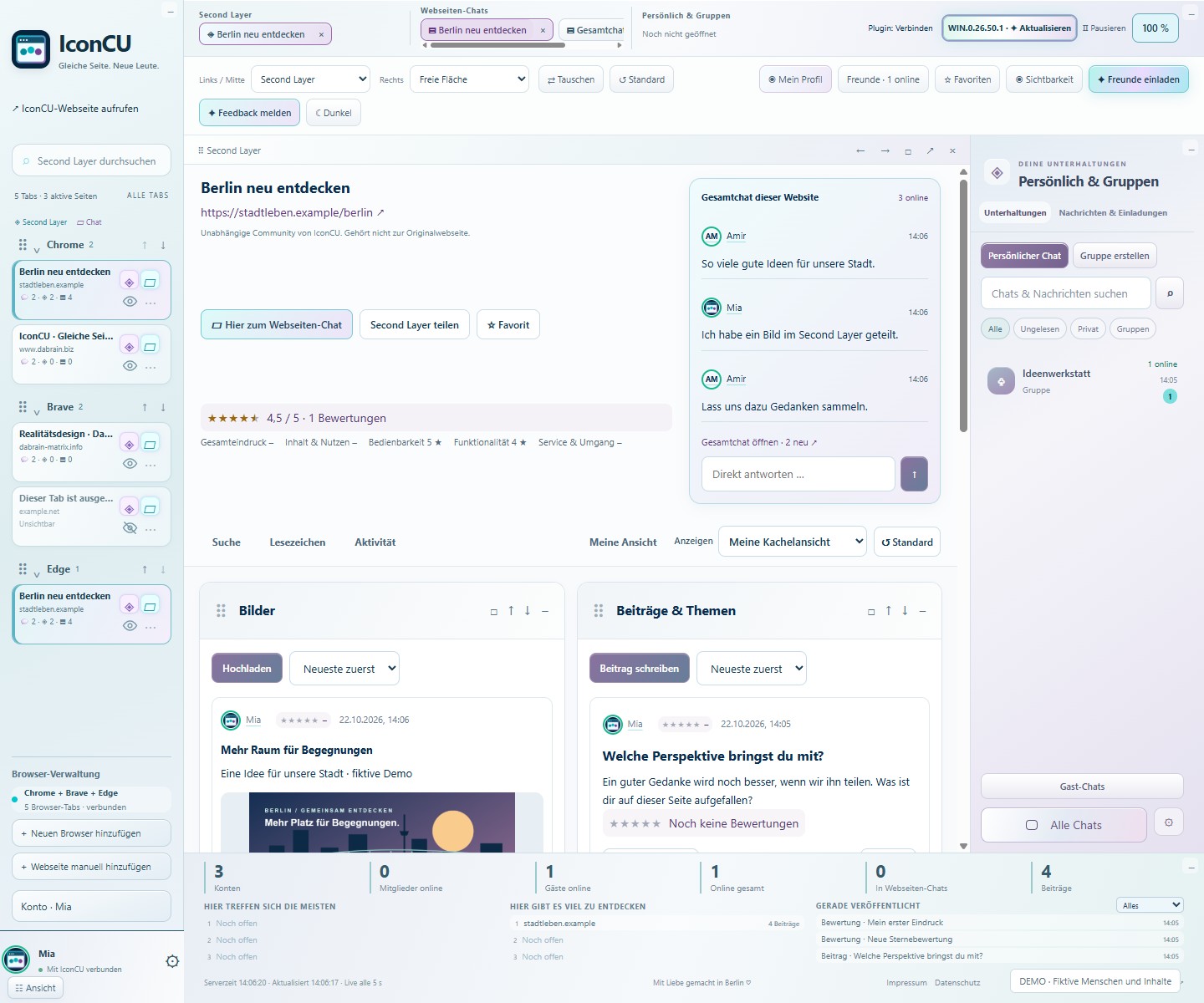
Start with a web address
Add an address manually in the Web App. No download or browser plugin is required. Open the room for that page to see whether people have shared posts, comments or reviews. As a guest, you can read public content and use public chats.
See the page from another perspective
An article, an offer or a shared interest can bring people together. The Second Layer adds other users' perspectives alongside the page. Example views on the IconCU website show how posts, media and conversations look. These examples do not represent current visitor figures.
Good to know
YOUR QUESTIONS.
Do I need to install anything?
You can open the IconCU Web App directly in your browser. Getting started this way requires no download or browser plugin.
How do I reach a website's web room?
Add the web address in IconCU and open its associated room. You will find public content and conversations linked to that URL.
Does every URL already have posts?
A web room contains what IconCU users have shared there. A URL alone does not mean that posts or an active conversation already exist.
IconCU